

Finding the right tools to grow a business can feel like walking through a maze. Every platform claims to be the best, the fastest, or the most advanced. But for small business owners, creators, and solopreneurs, “advanced” often just means “expensive and confusing.”
When you are managing a tight budget, every dollar counts. You want to reach your audience directly, share your message, and bring in sales. You do not want to spend hours figuring out a complex software interface or paying a massive monthly bill for features you will never touch.
Email marketing remains the single most effective way to build a community and generate steady income. It gives you a direct line to the people who care about your work. The great news is that you do not need an enterprise budget to launch professional campaigns.
This guide breaks down the best email marketing services for small business that keep your costs under $50 a month while still giving you everything you need to succeed.
The Hidden Trap of Complex Email Software
Many small businesses start their email journey with a popular tool, only to feel overwhelmed within the first week. Big platforms often build their software for large corporate teams. They add dense analytics dashboards, hyper-complex automation nodes, and endless settings that require a tech degree to understand.
This bloat hurts your business in two ways:
Lost Time: You spend hours watching video tutorials just to send a simple weekly update. This pulls you away from creating products, serving clients, or building your brand.
Wasted Money: Most platforms use tier-based pricing. As your subscriber list grows, your monthly bill shoots up automatically. You end up paying $70, $100, or even $150 a month just because you have more contacts, even if you only send a couple of simple newsletters.
When keeping your monthly expenses under $50 is a priority, you need to look for platforms that focus strictly on the essentials. A clean, distraction-free environment is often much more valuable than a list of fifty features you will never use.
What to Look for in a Budget-Friendly Email Platform
Before looking at the top options, it helps to understand what makes a budget email tool worth your time. A low price tag should never mean poor performance. Here are the core elements your platform must have:
Reliable Deliverability
An affordable price means nothing if your emails land straight in the spam folder. The platform must have a strong reputation with major email networks so your messages actually reach the main inbox.
Simple Automation
You should be able to set up a basic welcome sequence or a sequence of messages without getting stuck in a web of confusing diagrams. Good automation helps you make sales while you sleep by sending the right message at the right moment.
Integrated Forms and Landing Pages
Many small business owners do not have a full website yet, and that is completely fine. A great email tool will let you build simple sign-up forms and landing pages directly inside the platform. This allows you to collect email addresses from social media without paying for extra website hosting tools.
Clear and Fair Pricing
The pricing should be easy to understand. Look for tools that offer clear monthly rates under your $50 budget or provide alternative options like paying only for what you send.
Top Email Marketing Platforms Under $50 Monthly
Let us look at some of the best email marketing tools that fit comfortably within a small business budget while providing great results.
1. MailDrip
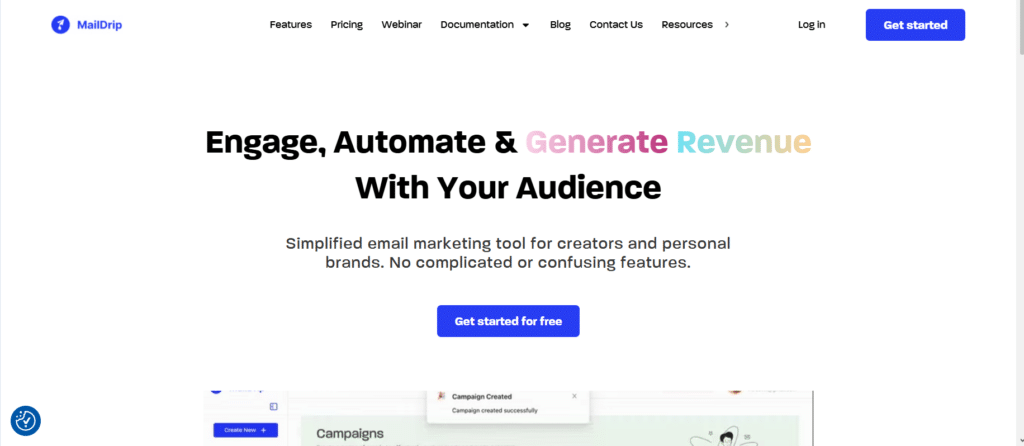
MailDrip was built specifically for creators, solopreneurs, and small brands who want to strip away the noise. Instead of overwhelming you with heavy enterprise features, it focuses entirely on what works: clean writing spaces, simple automations, and excellent delivery rates.
The Price: MailDrip offers a highly generous free plan that includes 1,000 free emails and unlimited contacts. If you want a structured plan or want to scale up, the paid options sit comfortably under the $50 mark. There is also a unique Pay As You Go (PAYG) option where you buy email credits only when you need them.
Why It Fits Small Businesses: You do not need a website to start building an audience. Out of the box, you get access to clean landing pages and opt-in forms. The interface feels like a calm, creative space rather than a technical dashboard. It allows you to build a powerful email automation workflow without wrestling with messy software.
Support: Unlike platforms that hide their support teams behind automated bots, you get 24/7 human support via chat, email, and WhatsApp to help you keep moving forward.
2. MailerLite
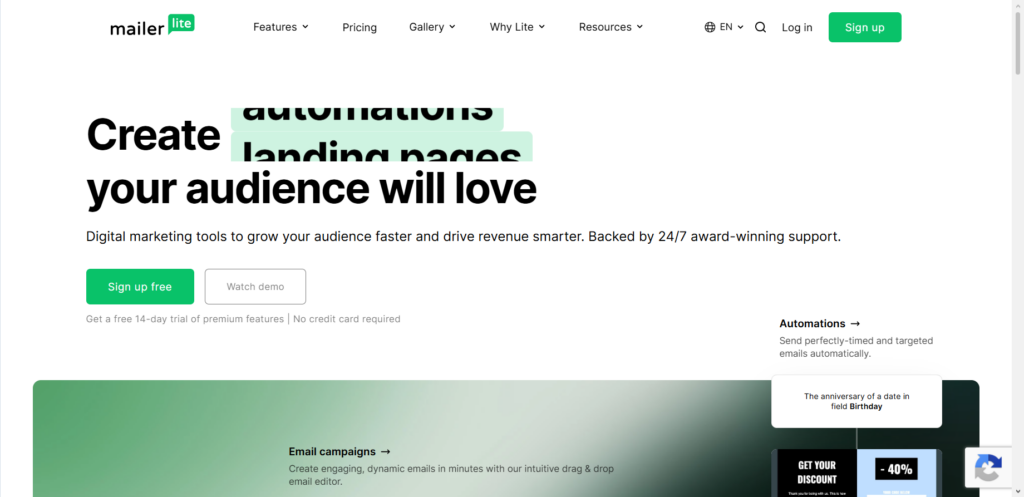
MailerLite has built a reputation for being an easy-to-use option for businesses that want clean layouts without a steep learning curve.
The Price: Their free tier covers up to 1,000 subscribers with a limit on monthly sends. Their paid plans start low and generally stay under $50 a month for lists up to 5,000 subscribers.
The Pros: It features a drag-and-drop builder that makes it easy to create visual newsletters. They also provide simple landing pages and basic automation steps.
The Cons: While it is simpler than major corporate platforms, the interface can still feel slightly technical once you start adding segment groups or trying to manage advanced settings.
3. Brevo (Formerly Sendinblue)
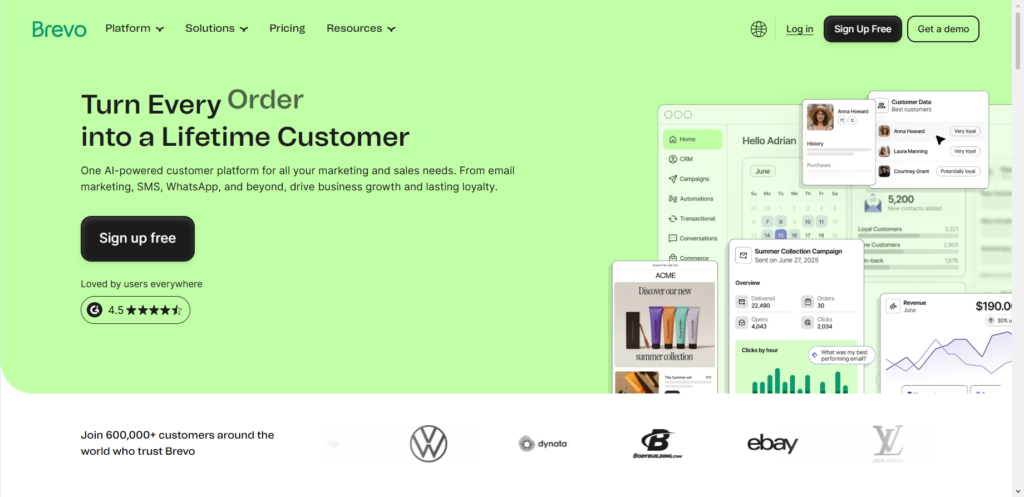
Brevo takes a different approach to pricing. Instead of charging you based on how many contacts you have in your list, they charge you based on the volume of emails you send each month.
The Price: Their free plan lets you store unlimited contacts but limits you to 300 emails per day. Their Starter plan sits well under $50 a month and removes the daily sending limits.
The Pros: If you have a massive list of people but you only send an email once a month, Brevo is incredibly cost-effective because your subscriber count does not raise your bill.
The Cons: The dashboard is packed with extra tools like SMS marketing, chat functions, and CRM features. If you just want to write emails and connect with your people, this extra interface design can feel cluttered and distracting.
4. Kit (Formerly ConvertKit)
Kit is widely known in the creator space for helping bloggers and digital marketers run targeted campaigns.
The Price: They offer a basic free plan for up to 1,000 subscribers. However, once you move to their paid Creator plan to unlock automated sequences, the price climbs quickly. It stays under $50 a month for up to 3,000 subscribers, but passes that limit soon after.
The Pros: Excellent tagging and segmentation features make it easy to group subscribers by their interests.
The Cons: The visual email editor is heavily text-based, which is great for writers but less ideal if you want a lot of visual design. Additionally, the fast price jumps as your audience grows can stress a small business budget.
Comparing the Platforms Side-by-Side
To see how these options match up for a growing small business keeping an eye on the budget, take a look at the overview below:
PlatformStarting PriceContact Limit for Under $50Standout FeatureBest ForMailDripFree (with PAYG options)Unlimited Contacts on Free/PAYGFree Landing Pages & WhatsApp SupportCreators & Solopreneurs who want zero bloatMailerLiteFree / $10+ monthlyUp to 5,000 SubscribersDrag-and-drop block editorSmall businesses wanting clean layoutsBrevoFree / $25+ monthlyUnlimited Contacts (pay by send volume)Pricing based entirely on emails sentBusinesses with large lists who email rarelyKitFree / $29+ monthlyUp to 3,000 SubscribersAdvanced subscriber taggingText-focused bloggers and authors
How to Avoid Overpaying for Your Email Marketing
Finding a platform under $50 is the first step, but you also want to make sure your costs stay low over time. Use these smart strategies to maximize your investment:
Keep Your Contact List Clean
Many platforms charge you for every single email address on your list, even if that person has not opened an email from you in a year. Routinely check your analytics and remove inactive subscribers. This keeps your deliverability high and prevents your account from jumping into a more expensive pricing bracket unnecessarily.
Use Built-In Landing Pages
Do not pay for a separate website creator or page builder tool if you are just starting out. Use the landing pages provided directly inside your email tool to gather subscribers from your social media bio links. You can read more about starting out smoothly in this guide on how to start email marketing for beginners.
Match Your Sending Habits to Your Plan
If you only send an email newsletter twice a month, look closely at how you are being billed. A Pay As You Go credit system might save you hundreds of dollars compared to a recurring monthly subscription fee that charges you whether you use it or not.
FAQs About Small Business Email Marketing on a Budget
Do I really need a website to start email marketing?
No, you do not. Many modern tools provide built-in opt-in forms and landing pages. You can paste the link to these pages directly into your social media profiles to start collecting subscribers immediately.
What happens if my subscriber list goes over the plan limit?
On most classic platforms, your account will be automatically upgraded to the next pricing tier, which can break a strict $50 budget. Platforms with alternative models, like MailDrip, offer unlimited contact options or flexible credit packages to keep you from facing surprise charges.
Is a free plan enough to get started?
Absolutely. A good free plan gives you the space to test the waters, write your first few updates, and see how your audience responds before you invest a single dollar of your hard-earned revenue.
Simplifying Your Path to Growth
At the end of the day, email marketing shouldn’t feel like a second full-time job, and it certainly shouldn’t drain your business account. You do not need to pay for bloated corporate features that only cause confusion. You just need a reliable, clean space where you can share your voice and connect honestly with your audience.
We built MailDrip with this exact philosophy in mind. Born out of Yaba, Lagos, Nigeria, our goal is to eliminate the unnecessary noise so you can focus strictly on what matters: your message and your growth. We offer tools that work instantly, modern templates, and real human support when you need a hand.
If you are ready to stop fighting with complicated settings and surprise monthly bills, you can take a look at our transparent pricing options or explore the simple features designed to make your life easier. You can even check out our helpful articles on our blog to learn new ways to connect with your community.
Why not try a simpler approach to growing your brand? You can set up your free account today on the MailDrip signup page and start sharing your message without the stress.
What is the biggest challenge you face when trying to connect with your audience through email?
