
Switching between your email inbox and your customer relationship management (CRM) platform takes up a lot of time. If you find yourself constantly copying contact details, pasting conversation histories, and clicking through endless browser tabs just to keep your customer records updated, you are not alone.
When your client data lives in one corner of your computer and your conversations happen in another, details get lost. You might forget to follow up with a warm lead, or you might lose track of what a client requested during a phone call.
Connecting your CRM directly to Gmail fixes this problem. It allows you to view customer histories, update deal stages, and log tasks without ever leaving your email inbox. This article looks at 6 popular apps that connect your CRM to Gmail, explaining how they work, who they help, and how to choose the right setup for your business.
Why Connecting Your CRM to Gmail Matters
Most daily business communication happens inside the email inbox. When you connect a CRM to Gmail, you build a bridge between your messages and your customer data database.
This connection offers several major advantages:
Less Manual Data Entry: The integration automatically logs emails, updates contact information, and tracks interactions.
Better Context: When you open an email from a client, a sidebar displays their entire purchase history, open support tickets, and past notes.
Faster Follow-Ups: You can use pre-made email templates and schedule tasks from your inbox view.
Fewer Mistakes: You do not have to worry about forgetting to log an important update or misspelling a client’s name during a manual transfer.
For independent creators, digital marketers, and growing businesses, keeping communication simple is the easiest way to protect your time and increase sales.
1. HubSpot CRM
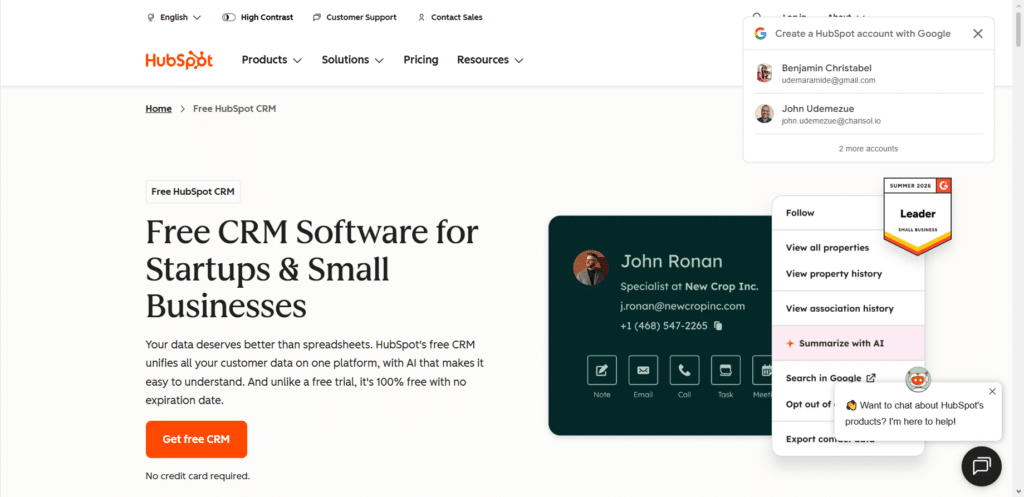
HubSpot is one of the most widely used CRM platforms on the market. Its Gmail integration comes in the form of a browser extension that places a helpful sidebar right inside your inbox view.
How It Works
Once you install the HubSpot Sales Chrome extension, it connects your Gmail account to your HubSpot portal. When you receive an email, the side panel automatically searches your CRM for a matching email address. If the contact exists, it displays their company name, deals, and logged tasks. If they are new, you can add them to your CRM with a single click.
Key Features
Email Tracking: Get real-time notifications the moment a recipient opens your email or clicks a link inside it.
Shared Templates: Access your top-performing sales templates directly within the Gmail compose window.
Meeting Scheduling: Insert your calendar availability link into an email thread so clients can book slots easily.
Who It Is Best For
Growing businesses and marketing teams who need a central database that connects sales tools with marketing campaigns.
2. Streak CRM
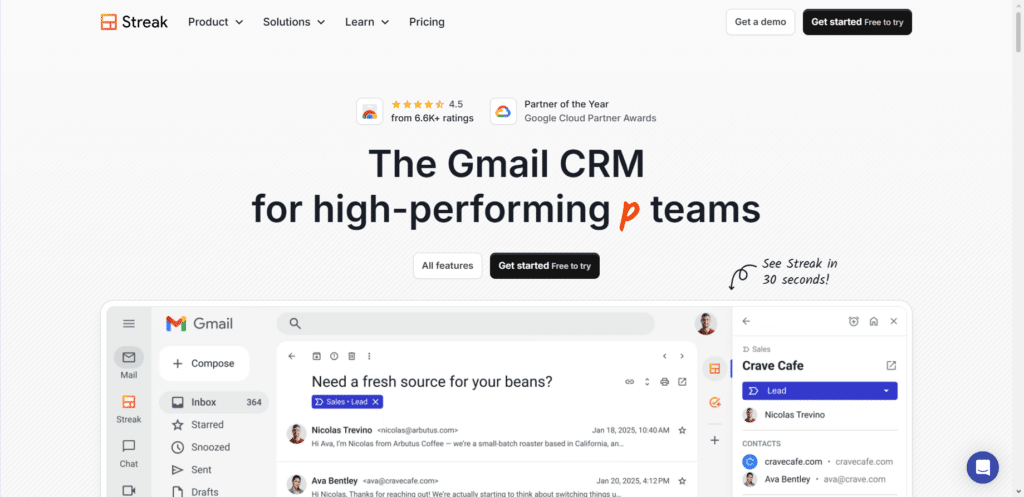
Streak takes a completely different approach to integration. Instead of connecting an external platform to your inbox, Streak builds the entire CRM directly inside Gmail.
How It Works
Streak changes the actual visual layout of your Gmail dashboard. It adds a section called “Pipelines” to your left-hand Gmail menu. Your email threads become individual cards inside a visual spreadsheet interface. As your conversations progress, you slide these email threads from one stage of your sales funnel to the next.
Key Features
In-Inbox Visual Pipelines: View and manage your entire sales workflow without leaving the main Gmail window.
Mail Merge: Send mass personalized emails to a list of contacts directly through your personal email account.
Thread Sharing: Allow your team members to read entire email threads with a client even if they were not copied on the original message.
Who It Is Best For
Solopreneurs, personal brands, and small teams who love the Gmail interface and do not want to learn how to use a separate software tool.
3. Copper CRM
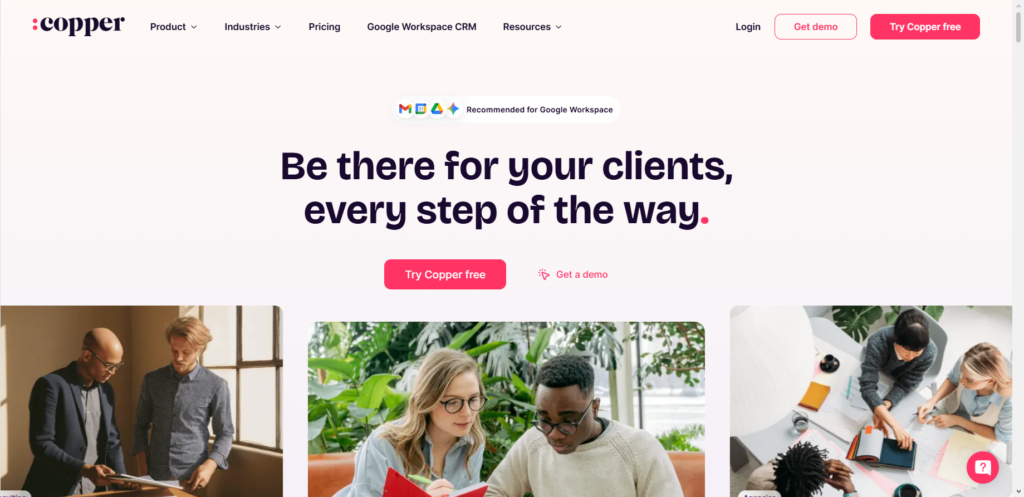
Copper is a CRM explicitly built for Google Workspace users. It is designed to look and feel exactly like a native Google tool.
How It Works
Copper hooks deep into your entire Google ecosystem, including Gmail, Google Calendar, and Google Drive. The companion Gmail add-on gives you a clean right-side panel inside your inbox. Copper scans your emails and automatically populates contact fields, interaction dates, and calendar events so you do not have to type them out yourself.
Key Features
Automated Data Gathering: Copper pulls phone numbers, job titles, and social profiles directly from email signatures to build customer profiles.
File Organization: Automatically links Google Drive documents and email attachments to the correct client profile.
Task Management: Add reminders and follow-up alerts while reading a customer’s message.
Who It Is Best For
Agencies and consultants who rely heavily on Google Workspace tools and want a zero-data-entry experience.
4. Zoho CRM
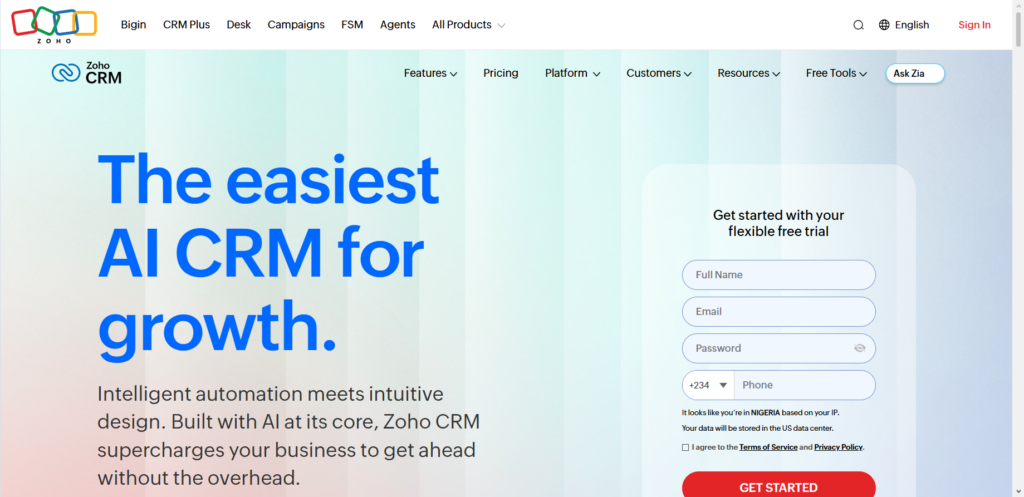
Zoho offers a vast suite of business applications, and its CRM integration for Gmail brings enterprise-grade utility down to your personal inbox.
How It Works
Using the Zoho CRM Add-on for Gmail, you get a contextual gadget at the bottom or side of your emails. When you view a message, the add-on grabs the sender’s details and checks them against your Zoho database. You can quickly assign leads to different sales reps, add notes, or log phone calls from this menu.
Key Features
Contextual Side Panel: Instantly view deal sizes, past call logs, and urgent tasks associated with an email sender.
Social CRM Integration: Pull public social media details into your contact cards directly from your email dashboard.
Custom Fields: Modify and update your specific business tracking fields without opening the main Zoho app.
Who It Is Best For
Small to medium businesses that already use other apps in the Zoho system and want deep data customization.
5. Pipedrive
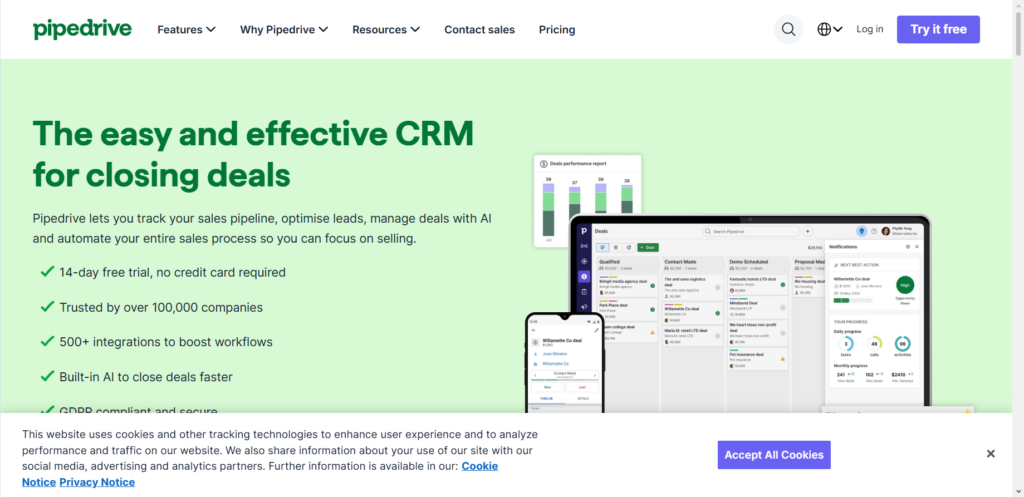
Pipedrive focuses heavily on action-oriented sales. Its Gmail integration ensures that every email you send or receive moves a deal closer to completion.
How It Works
The Pipedrive Gmail extension displays your active sales pipelines right next to your email text. When an email arrives from a prospective customer, you can view which deal stage they are in, how much money that deal is worth, and what action step you need to take next.
Key Features
Two-Way Email Sync: Reply from Pipedrive or reply from Gmail; both platforms stay perfectly updated in real-time.
Smart Docs: Create sales proposals and contracts directly from the inbox panel and track when the client views them.
Activity Reminders: Automatically suggests follow-up times based on how long a lead has been sitting idle.
Who It Is Best For
Sales professionals and digital marketers who manage a strict sales process and need to track distinct deal values.
6. Salesforce
Salesforce is a massive CRM platform, and its integration tool brings its database right into Gmail.
How It Works
The Salesforce integration with Gmail places your enterprise records inside your email pane. You can log emails to specific accounts, contacts, opportunities, or custom objects. It ensures that every email thread is saved under the correct corporate record for reporting and analytics.
Key Features
Deep Custom Object Logging: Link emails not just to a person, but to complex projects, support cases, or specific product lines.
Einstein AI Capabilities: Get automated insights and recommended email replies based on customer history.
Calendar Syncing: Keep your Google Calendar events perfectly aligned with your corporate Salesforce events.
Who It Is Best For
Larger teams and enterprise organizations that require advanced reporting and deep customization options.
Comparing the 6 CRM Apps for Gmail
CRM AppPrimary Integration StyleBest FeatureBest Used ByHubSpotSide Panel ExtensionEmail open tracking & shared sales templatesGrowing marketing teamsStreakBuilt directly inside GmailVisual spreadsheet pipelines inside the inboxSolopreneurs & creatorsCopperSide Panel Add-onAutomated data collection from Google WorkspaceAgencies & consultantsZohoContextual GadgetSocial profiles and deep field customizationScaling small businessesPipedriveSide Panel ExtensionVisual deal tracking and sales remindersDedicated sales professionalsSalesforceSide Panel ExtensionDeep logging to custom business objectsEnterprises & large teams
The Common Challenge with Traditional CRMs
While these tools are popular, many independent creators, digital marketers, and personal brands discover a major issue when using them. Traditional CRMs are often built for large companies with massive teams. They focus heavily on tracking manual sales calls, pipeline values, and deep managerial reports.
This can result in several frustrations:
Feature Bloat: You pay for complex tools, heavy analytics, and dense automation paths that you will never use.
Cluttered Interfaces: The screens feel like they were designed by software engineers for software engineers, making simple writing tasks feel stressful.
High Costs: Many platforms force you into expensive monthly subscription tiers just to access basic automation sequences or remove contact caps.
Technical Friction: Setting up server records, API keys, and tracking codes takes your focus away from what truly matters: your message and your audience.
If your primary goal is to nurture relationships, launch campaigns, and send automated email sequences to your subscribers safely through your own Gmail account, you might not need a complex CRM database. You might just need a clean, calm tool that handles email workflows without the extra weight.
A Simpler Alternative: Connect Gmail Directly to MailDrip
At MailDrip, we believe you do not need more features. You need the right ones. We rethought email marketing from the ground up to eliminate the noise. Instead of forcing you to navigate a complex CRM backend, MailDrip allows you to connect your actual Gmail account directly to a clean dashboard designed for real people.
[ Your Personal or Business Gmail ] ---> [ Connected to MailDrip Dashboard ] ---> [ Automated Drip Campaigns & Outbound Growth ]
By linking your email account directly to our system, you can unlock your sending potential and run smart workflows completely on autopilot.
Maximize Your Outreach Limits
Managing manual email outreach is incredibly slow. With MailDrip, you can safely connect your existing email accounts in a few seconds.
Personal Gmail Accounts: Seamlessly send up to 500 emails per day right from your dashboard.
Google Workspace Accounts: Boost your business sending power to a massive 2,000 emails per day.
Streamlined Automation Flows
You do not have to copy and paste text threads manually anymore. MailDrip allows you to build automated email sequences that nurture your leads, onboard new clients, or announce fresh digital downloads while you sleep. To learn more about setting up these flows, read our guide on how to build an email automation workflow.
Zero Website Needed
Many traditional CRMs require you to integrate complex forms into an expensive website before you can collect leads. MailDrip strips away that friction by giving you beautiful landing pages and opt-in forms right out of the box. You can pick your templates, write your text, and start building your audience immediately.
Simple, Transparent Pricing
We do not believe in forcing you into rigid monthly commitments if they do not fit your current business stage. Our Pay As You Go (PAYG) credit system means you buy email credits only when it makes sense for your brand. Plus, our free tier gives you 1,000 free emails and unlimited contacts, so you can explore the dashboard risk-free. You can view our options on our pricing page.
What Makes MailDrip Different?
Simplicity First: A clean, distraction-free space where you can write freely and connect with your audience.
Honest Support: Real human support available via chat, email, and WhatsApp. No robotic automated runarounds.
Built with Love: Born in Yaba, Lagos, Nigeria, MailDrip is crafted with grit and innovation to help creators worldwide grow sustainable businesses.
Frequently Asked Questions
Is it safe to connect my Gmail account to a CRM or email platform?
Yes. Popular integrations and platforms like MailDrip use secure Google authentication protocols. This means you grant permission securely without ever sharing your actual Google password.
What is the daily sending limit for Gmail accounts?
Google limits personal Gmail accounts to 500 emails per day. Google Workspace business accounts can send up to 2,000 emails per day. Connecting your account to a dedicated email system like MailDrip allows you to schedule and automate these daily allocations efficiently. For a breakdown of how this functions, look at our article on how to do email marketing with Gmail.
Do I need a website to start gathering customer emails?
No. While traditional CRMs often require external website forms, tools like MailDrip provide built-in landing pages. This allows you to collect subscriber data and run high-performing drip campaigns without buying a domain or web hosting package.
What is the difference between an email campaign and a CRM newsletter?
A CRM usually tracks one-on-one sales communications and specific deal values. An email marketing platform manages broadcasts and automated nurturing tracks sent to larger groups of subscribers. Understanding the difference between an email campaign and a newsletter can help you structure your outreach effectively.
Choosing the Best Setup for Your Brand
If you manage an enterprise sales team with multi-million dollar deals and long sales pipelines, a traditional CRM side panel extension like Salesforce or HubSpot will give you the heavy tracking capability you need.
But if you are a creator, a digital marketer, an independent consultant, or a small brand who just wants to write beautifully, automate lead nurturing, and use your Gmail account to scale your business without the technical headache, you deserve a tool that gets out of your way.
You can stop wrestling with clunky dashboards today. Explore our features page to see how simple email management can be, or visit our main blog page for more practical tips on expanding your brand.
If you are ready to start launching automated campaigns directly through your inbox, you can create your account on our signup page today.
When you look closely at your daily workflow, how many hours could you save each week by managing your automated email campaigns from a single, stress-free dashboard?
