
Your email inbox is the center of your digital workspace. It is where you talk to clients, pitch ideas, and run your daily business.
For many creators, solopreneurs, and small business owners, paying for big, complicated marketing software feels like overkill. You do not need massive feature packages that take weeks to learn.
You just want a simple way to write your messages, send them out, and see if people actually read them.
This is exactly why using Gmail for your outreach has become so popular. It is familiar, it is reliable, and it is completely free to start. But if you try to run an email marketing campaign using regular Gmail, you quickly notice that some important tools are missing.
You cannot easily see who opened your messages, you cannot schedule recurring updates, and personalizing a single email to a group of fifty people takes all afternoon.
Thankfully, you do not have to move your entire audience to a heavy enterprise platform just to get these basic features.
By installing a few simple tools into your browser, you can turn your regular inbox into a neat growth environment.
Let’s look at five free Chrome extensions that bring marketing power straight into your Gmail account, how they work, and what you need to know before you install them.
Why Grow Your Audience Straight From Gmail?
Starting your marketing journey directly from your existing inbox comes with major benefits, especially when you are running a personal brand or a small business.
No New Dashboards: You do not have to open a separate website, log into a confusing interface, or spend hours reading setup guides. You write your campaigns in the same compose window you use every day.
Completely Free Tools: Most browser add-ons offer generous free tiers. This lets you test different strategies and grow your subscriber list without spending any money upfront.
Higher Open Rates: Emails sent through regular personal accounts often feel more human. They do not look like corporate mass mailers, which means your readers are far more likely to click on them and reply.
To get the most out of your inbox, you can explore the MailDrip blog to learn how simple changes can change the way you write to your audience. If you want to know the absolute basics of this method, you can read our guide on how to do email marketing with Gmail to see what is possible.
5 Free Chrome Extensions for Gmail Marketing
Here are five reliable browser extensions that add helpful marketing features to your standard Google account without costing a dime.
1. Mailtrack by Mailsuite
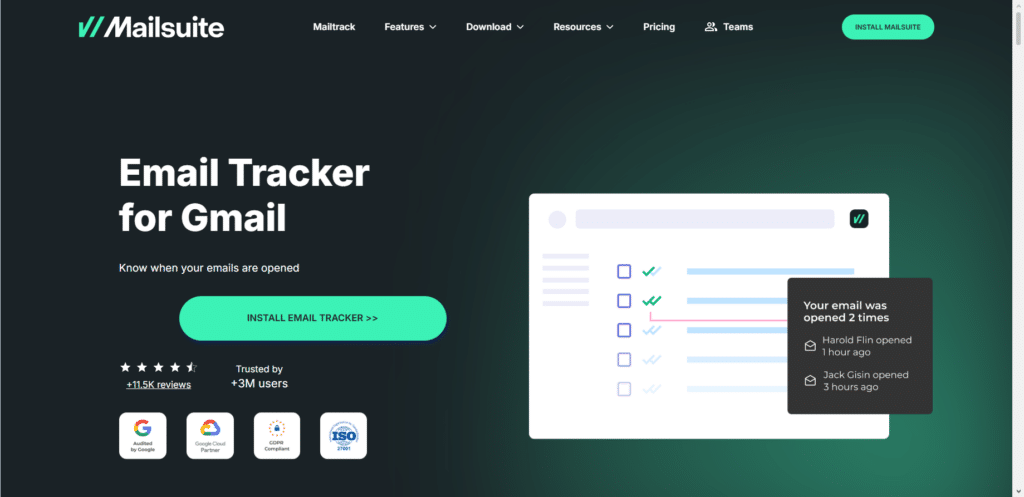
If you have ever sent an important campaign and wondered if anyone actually saw it, Mailtrack is the easiest way to solve that problem. It is a dedicated tracking tool that inserts a simple checkmark system right inside your sent folder.
Key Free Features
Unlimited open tracking for individual emails.
Real-time desktop alerts when someone opens your message.
A clean visual layout that mimics popular messaging apps (one checkmark means sent, two checkmarks mean opened).
Daily email reports showing your overall engagement.
The Good and the Bad
The best part about Mailtrack is that it works immediately. There is no complicated setup or configuration. The free version gives you completely unlimited tracking for opens.
However, the free plan places a small text signature at the bottom of your outgoing messages that says “Sent with Mailtrack.” If you want to remove this signature or track the links inside your text, you will need to look at their paid plans.
Best For: Freelancers and casual creators who need to see if their individual pitches or follow-ups are being read without looking at dense analytical graphs.
2. Snov.io Unlimited Email Tracker
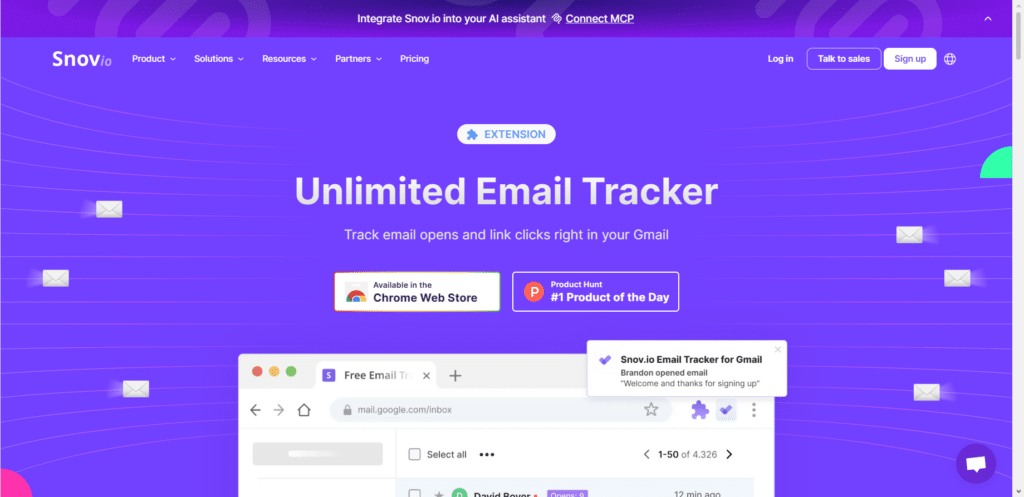
If you want to track your audience engagement but absolutely do not want any external company logos or signatures added to your messages, the Snov.io tracker is an excellent option.
Key Free Features
Full tracking for both email opens and link clicks.
Real-time browser notifications the second a reader interacts with your text.
A detailed history log showing exactly when and how many times an email was opened.
The ability to switch tracking on or off for specific individual messages.
The Good and the Bad
Unlike many other freemium tools, Snov.io does not force any branding onto your outgoing mail. It stays completely invisible to your subscribers, which helps you maintain a highly professional look. It also lets you track email opens alongside link clicks, giving you a better understanding of what your audience likes.
The main drawback is that it focuses purely on tracking. It does not provide newsletter templates or advanced contact organization tools inside your inbox.
Best For: Budget-conscious solopreneurs who need clean, invisible tracking for both their subject lines and the links inside their messages.
3. Streak CRM for Gmail
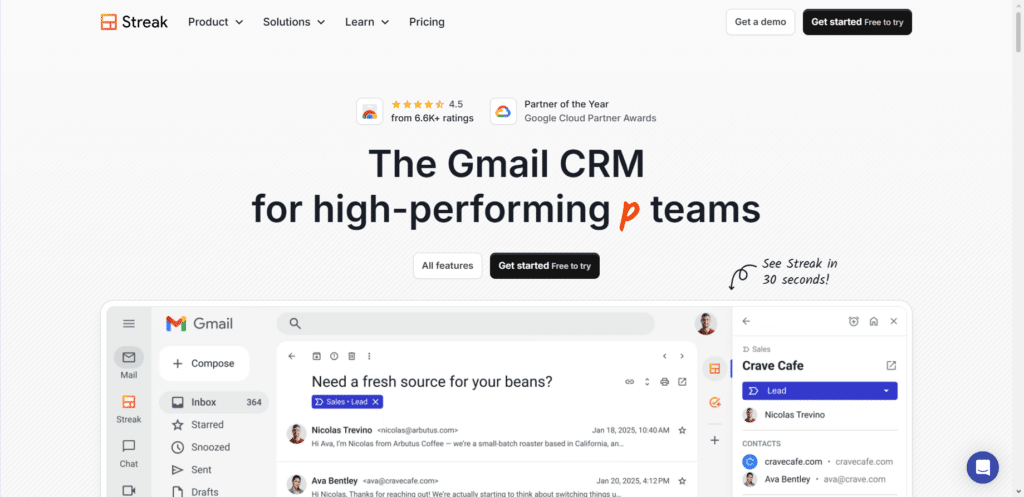
Streak is much more than a simple tracker. It is a complete customer relationship management tool that lives entirely inside your Gmail interface. It allows you to organize your contacts into clear visual pipelines.
Key Free Features
Basic mail merge tools that let you send personalized mass messages to small groups.
A visual drag-and-drop board to track where people are in your funnel.
Shared notes, contact logs, and interaction history.
Built-in email scheduling and open tracking.
The Good and the Bad
Streak turns your chaotic inbox into an organized system. If you are trying to launch a small digital product or manage a list of coaching clients, you can see exactly who has replied and who needs a follow-up. The mail merge feature lets you pull data from a simple list to personalize greetings automatically.
Because Streak is a complete management system, the interface can feel quite heavy. If you only want to send a quick weekly update, all the extra boards and pipelines might feel like unnecessary clutter.
Best For: Digital marketers and service providers who need to manage client relationships and send small, personalized batches of outreach messages simultaneously.
4. Gumbamail
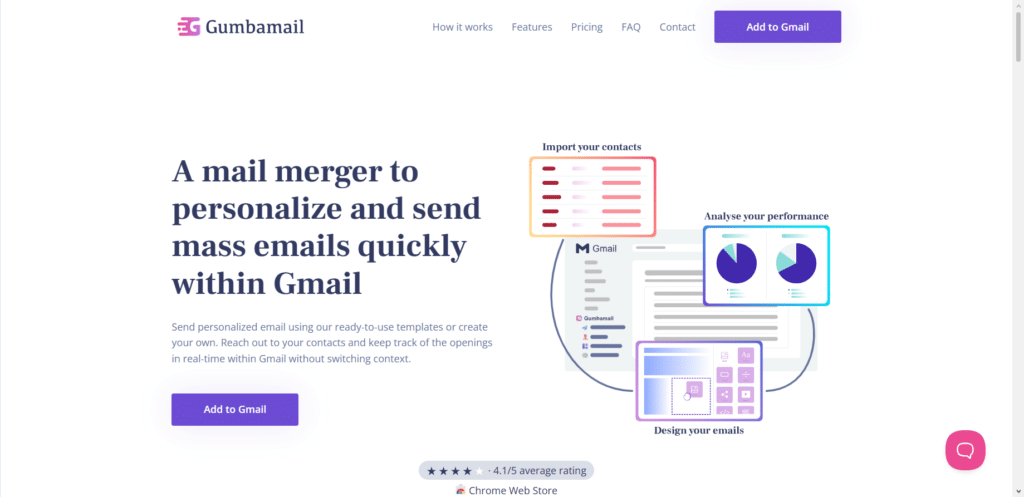
Most extensions only handle plain text, but Gumbamail is designed for people who want to send beautifully designed newsletters and product updates directly from Gmail.
Key Free Features
A free plan that lets you send up to 250 emails every single month.
A drag-and-drop template editor that requires zero coding knowledge.
Easy subscriber list management using Google Sheets or CSV files.
Basic analytics covering opens, clicks, and delivery success rates.
The Good and the Bad
Gumbamail gives you the visual design power of an email marketing platform without making you leave your inbox. You can pick from responsive layouts, add images, and make your weekly updates look beautiful on both desktop and mobile screens.
The limit of 250 free emails per month means you will outgrow this tool very quickly if your subscriber list starts to expand. If you have more than a couple of hundred followers, you will hit the wall almost immediately.
Best For: Creative personal brands and authors who want to send a stylized monthly newsletter to a tiny, highly engaged inner circle of fans.
5. Right Inbox
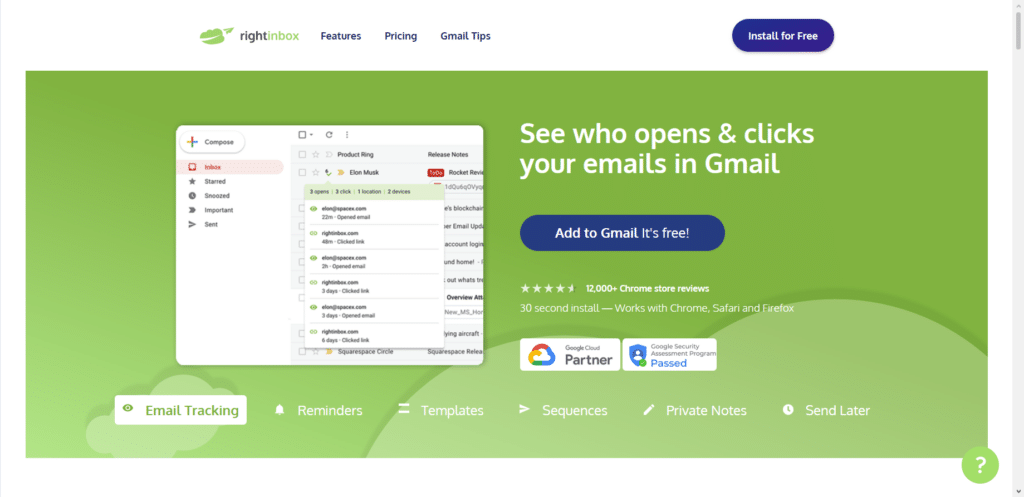
Right Inbox focuses heavily on productivity and timing. It adds a collection of smart buttons to your regular email compose window to help you manage communication loops.
Key Free Features
Email scheduling so you can write messages now and send them at a better time.
A selection of saved text templates to quickly insert common answers or pitches.
Contextual reminders that bring old conversations back to the top of your inbox if no one replies.
A limited number of free tracked emails each month.
The Good and the Bad
This tool is fantastic for fixing your workflow. Instead of writing emails at midnight and waking up your clients, you can schedule your text to arrive cleanly at nine o’clock the next morning. The template feature saves massive amounts of time if you frequently answer the same questions from new subscribers.
The free plan gives you a limited number of credits for scheduling and tracking each month. Once you use up those credits, you have to wait for the next month to reset or upgrade to a premium subscription.
Best For: Busy solopreneurs who need to manage their time better, schedule updates across different time zones, and use saved text snippets to speed up their writing.
The Hidden Limits of Marketing Through Gmail
Using browser extensions is a beautiful way to start your journey, but it is important to be completely honest about the challenges. Extensions add features to your interface, but they do not change the core infrastructure of Gmail. As your business grows, you will eventually run into major structural walls.
Google’s Strict Daily Limits
Google is built for personal and standard business conversations, not for massive marketing campaigns. Free Gmail accounts have a hard cap of 500 emails per day, while paid Google Workspace accounts limit you to 2,000 messages.
If you try to send mass emails that get close to these limits, Google’s automated systems may flag your account. This can cause your emails to land straight in the spam folder, or worse, Google might temporarily lock you out of your account entirely.
No Built-In Growth Tools
An extension can help you write or track an email, but it won’t help you collect new subscribers. To grow a healthy brand, you need a way to capture names and addresses. Extensions do not give you opt-in forms or standalone landing pages out of the box. Without these, you are forced to manually ask people for their addresses or pay for a separate website builder just to collect leads.
Inbox Clutter and Slowness
Every time you install a new Chrome extension, your browser has to use more memory to load your inbox. If you run multiple tools for tracking, scheduling, and styling templates at the same time, your Gmail interface can become slow, buggy, and confusing to navigate.
A Better Way: Simple, Calmer Email Marketing With MailDrip
If you love the idea of keeping things incredibly simple but you do not want to constantly worry about Google’s restrictions or messy browser setups, there is a much better path forward.
At MailDrip, we believe that email marketing should help you grow your business, not get in your way. We built a platform specifically for creators, digital marketers, and personal brands who are tired of fighting with overly complex tools but have outgrown the limits of basic browser extensions.
[Your Google Account] ---> [MailDrip Workspace] ---> [Dedicated Email Servers]
     (Familiar Setup)         (No Bloat Editor)       (Bypasses Gmail Limits)
How MailDrip Keeps Things Simple
Connects to Your Google Account: MailDrip links directly to your Google account, allowing you to stay in a familiar environment while bypassing clunky enterprise software.
Dedicated Delivery Servers: MailDrip operates on its own specialized email infrastructure instead of relying on Google’s standard free servers. This means you completely bypass Google’s daily sending limits and protect your personal email reputation.
No Website Needed: You do not need to buy a domain or build a website to start gathering subscribers. MailDrip gives you beautiful, clean landing pages and opt-in forms right out of the box. You can see our core options on the MailDrip features page.
Pay Only For What You Use: We hate forced monthly commitments that drain your wallet when you are not actively sending campaigns. Our Pay As You Go (PAYG) system lets you buy affordable email credits that never expire. Plus, our completely free plan gives you 1,000 free emails and unlimited contacts so you can build your audience at your own pace. Check out the details on our MailDrip pricing page.
Real Human Support: Born in the innovative tech hub of Yaba, Lagos, Nigeria, under Charisol Limited, we do not hide behind automated chat robots. Our real human team provides 24/7 support via chat, email, and WhatsApp because we genuinely care about your success.
Extensions vs. Dedicated Platforms: Quick Comparison
To help you decide which route fits your current business stage, look at how regular Gmail extensions compare to a streamlined, dedicated solution like MailDrip.
FeatureGmail Chrome ExtensionsMailDripSetup Time2 minutes (Install to browser)3 minutes (Account creation)Daily Sending LimitsStrict caps (500 to 2,000 daily)Unlimited (Based on your plan)Spam ProtectionLow (Shares your personal server IP)High (Uses specialized marketing servers)Landing Pages & FormsNot included (Requires external site)Included out of the boxBrowser PerformanceCan slow down your Gmail interfaceRuns independently in a clean spacePricing StructureFree basic plans / Monthly upgradesFree tier + Flexible Pay As You Go credits
Frequently Asked Questions
Can I do professional email marketing using a standard free Gmail account?
Yes, it is entirely possible to start this way, especially when you use smart tools to help you track your results. However, you must stay mindful of Google’s strict daily caps and ensure you do not send spam. If you want a deep look into this topic, read our full article on how to do email marketing with Gmail.
Will installing multiple Chrome extensions slow down my computer?
Yes. Extensions run in the background of your web browser. If you install one tool for tracking, another for design templates, and a third for scheduling, they will consume your computer’s memory. This often makes your Gmail inbox laggy or cause different tools to glitch when they conflict with each other.
Why do my emails land in the spam folder when I send them from Gmail?
When you send identical bulk messages to many people from a regular Gmail account, Google or receiving mailboxes can view it as suspicious behavior. Without a dedicated infrastructure to manage your sending reputation, it is very easy to hurt your personal email deliverability.
Do I need to know how to code HTML to send beautiful newsletters?
Not at all. While some extensions require you to paste HTML designs, modern platforms offer clean, visual drag-and-drop builders. You can easily craft modern, minimal messages that look professional without ever touching a single line of code.
Moving Beyond the Browser Extension
Chrome extensions are fantastic stepping stones when you are sending your very first pitch or tracking a few messages to local clients.
They keep you inside a workspace you already know. But as a creator or an independent business owner, your time is your most valuable asset.
You should not have to spend your days managing browser plugins, worrying about hitting hidden caps, or trying to find separate tools just to build a simple subscriber sign-up page.
If you are ready to stop wrestling with complicated setups and want a calm, powerful space where your messages actually reach the inbox, we are here to help you take that next step.
You can explore how everything works by visiting the MailDrip homepage or jump straight into action by creating a free account on our MailDrip app dashboard to launch your first beautiful, hassle-free campaign today.
As you look at your current business goals and the way you connect with your community, are your current email tools truly helping you grow, or are they just giving you one more technical problem to solve every day?
