

Building an audience does not require a massive budget or a team of enterprise engineers. For creators, solopreneurs, and digital marketers, the most powerful tools are often the ones you already use every single day: Google Sheets and Gmail.
Managing a mailing list using a spreadsheet as your database and Gmail as your delivery engine is simple, cost-effective, and highly efficient. It keeps your data visible and your workflows straightforward. As subscription costs for bloated email platforms continue to climb, turning to the familiar interface of Google Workspace is a smart, lean way to run your business operations.
This guide explores 14 tools that help you manage your mailing list seamlessly via Google Sheets and Gmail, helping you pick the right workflow for your brand.
The Power of Google Sheets and Gmail for Email Marketing
Using a spreadsheet to track your subscribers gives you total control over your data. You can organize contacts exactly how you want, add custom tags, and see your entire audience at a glance without navigating through confusing software dashboards. When paired with Gmail, you get the benefit of Google’s world-class email delivery infrastructure, meaning your updates are much more likely to land directly in the primary inbox rather than the promotions tab.
However, copying and pasting email addresses manually quickly becomes tedious. That is where specialized tools and add-ons come in. They bridge the gap between your spreadsheet data and your inbox, allowing you to personalize messages, schedule updates, and monitor basic analytics without the stress.
14 Tools to Supercharge Your Spreadsheet and Inbox Workflow
1. MailDrip
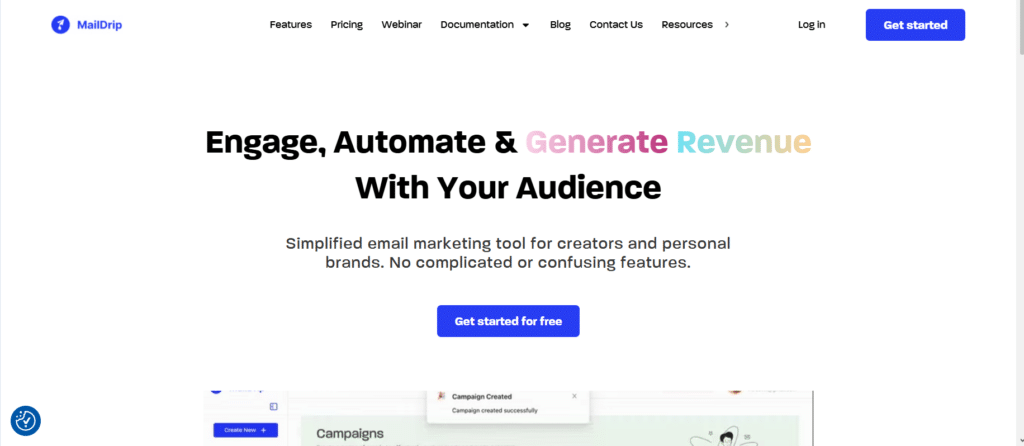
If you want the absolute easiest way to manage your mailing list without giving up the power of Gmail, MailDrip is the ideal solution.
Designed specifically for creators and personal brands who want to avoid clunky and bloated platforms, MailDrip connects directly to your Gmail account.
With MailDrip, you can safely send up to 500 daily emails using a personal Gmail account, or up to 2,000 emails per day if you use a business Google Workspace account. Instead of wrestling with basic spreadsheets where you have to manually track who received what, MailDrip offers a clean, distraction-free dashboard.
You can set up automated email drip campaigns that nurture your leads on autopilot, manage your contacts effortlessly, and even build beautiful opt-in forms and landing pages without needing an external website.
It strips away the noise, giving you the exact email marketing features you need to build relationships and generate revenue.
2. Yet Another Mail Merge (YAMM)
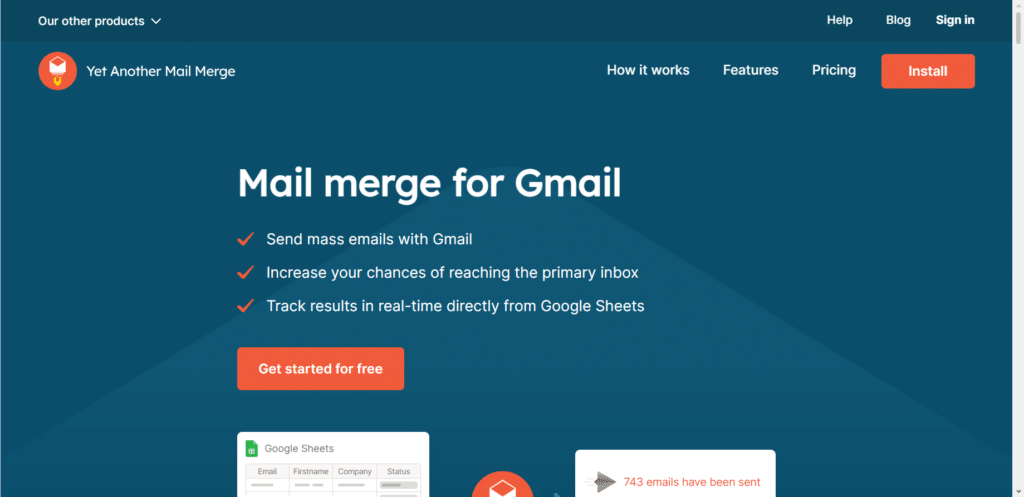
YAMM is a classic Google Sheets add-on that lets you send mass email campaigns directly from a spreadsheet via Gmail. You draft your email in Gmail using placeholders like {{First Name}}, open your Google Sheet containing your contact list, and run the add-on. YAMM automatically fills in the blanks for each recipient and tracks opens, clicks, and bounces directly inside your spreadsheet in real time.
3. Mail Meteor
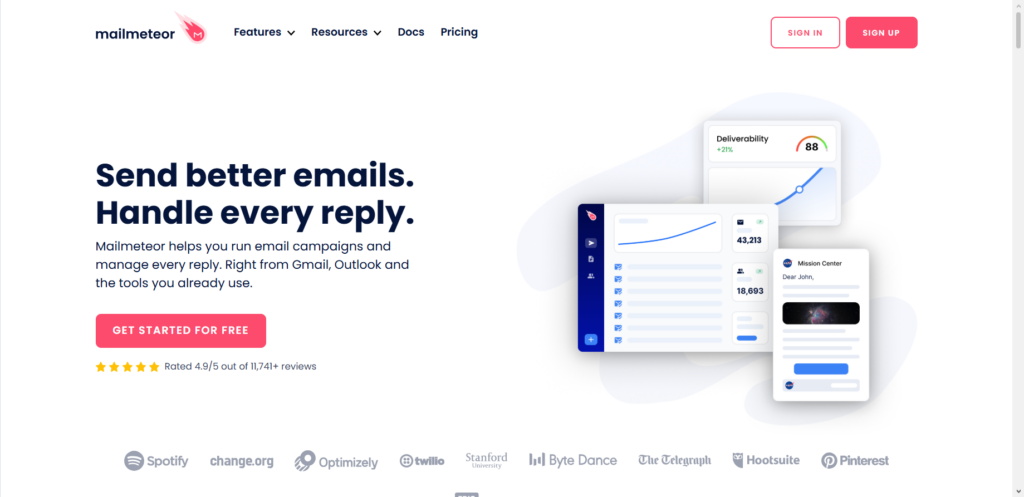
Mail Meteor focuses heavily on privacy and simplicity. It operates directly inside Google Sheets as an add-on, enabling you to send personalized mass emails through Gmail. Because it spaces out your emails naturally, it helps protect your sender reputation.
The tool features a very clean interface and is highly regarded for its speed and straightforward approach to mail merging.
4. GMass
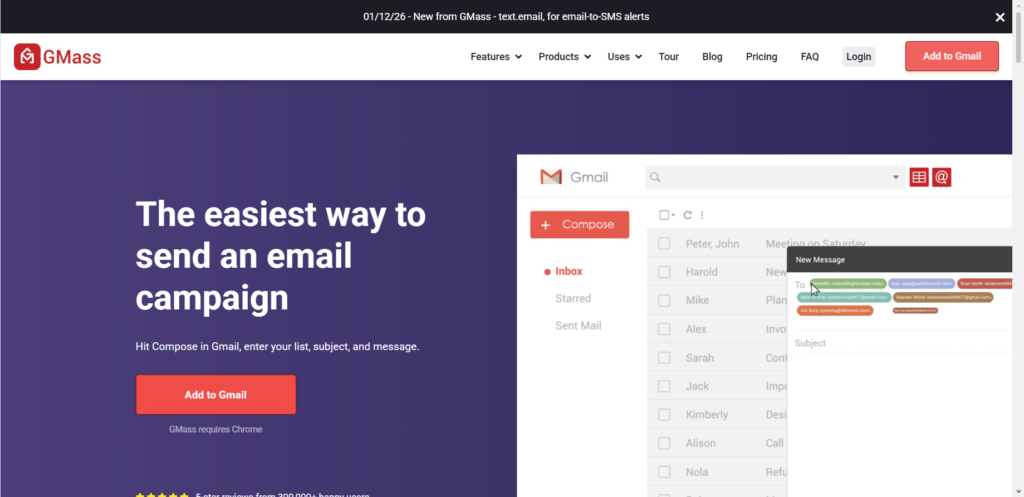
GMass is a powerful plugin that sits right inside your Gmail interface but links deeply with Google Sheets. When you compose an email, you can click a button to connect a specific Google Sheet spreadsheet. GMass then pulls the data to send personalized campaigns, handle automatic follow-ups if someone does not reply, and break past standard Gmail sending limits by distributing large campaigns over multiple days.
5. Streak CRM
Streak is a customer relationship management tool that lives entirely inside your Gmail inbox. It allows you to turn your emails into a visual pipeline. While it operates directly in Gmail, you can easily import and export your lists using Google Sheets. It is incredibly helpful if your mailing list consists of high-value leads or clients where you need to track the exact stage of your relationship with each subscriber.
6. Form Mule
Form Mule is a flexible, no-cost email utility designed as a Google Sheets add-on. It is particularly popular in education and small non-profits. It allows you to send targeted, structured emails based on formulas or conditions within your spreadsheet data. If you need to send automated confirmations or unique updates based on specific columns in your sheet, Form Mule handles it beautifully.
7. Mergo
Mergo is a modern mail merge application built for the Google Workspace ecosystem. It allows you to send campaigns from Google Sheets, Gmail, or even Google Docs. Mergo includes helpful features like automated email tracking, scheduling, and recurring campaigns, which automatically trigger an email whenever a new row is added to your Google Sheet.
8. SheetGo
SheetGo is not a direct email sender, but it is an essential tool for list management. It automates the transfer of data between different spreadsheets. If you collect emails from multiple sources, SheetGo can pull data from separate sheets, filter out duplicates, clean your list, and feed a single master sheet connected to your Gmail sending tool.
9. Zapier
Zapier acts as an automated bridge between Google Sheets and Gmail. You can set up a “Zap” so that whenever a new contact is added to a specific Google Sheet row, an automated email is instantly triggered from your personal Gmail account. This is ideal for sending immediate welcome notes or delivery files to new subscribers without touching any code.
10. Make
Similar to Zapier, Make (formerly Integromat) is a visual automation platform. It allows you to build highly customized workflows involving Google Sheets and Gmail. For instance, you can design a flow that waits three days after a row is added to your sheet before sending a follow-up email via Gmail, making it a great option for building basic, custom multi-step email sequences.
11. Copper CRM
Copper is a CRM tool explicitly built and recommended for Google Workspace users. It syncs perfectly with your Gmail inbox, calendar, and Google Sheets. If your personal brand or digital marketing strategy requires a deep history of every interaction you have had with a subscriber, Copper keeps your spreadsheet data and your inbox perfectly aligned.
12. Gumbamail
Gumbamail is an extension that brings advanced email design tools directly into Gmail, using Google Sheets to manage your audience lists. Instead of sending plain text emails, Gumbamail allows you to choose from responsive email templates and design visual updates while utilizing your spreadsheet rows to define your recipient lists.
13. Saleshandy
Saleshandy integrates with Gmail and relies on spreadsheet uploads to execute personalized outreach campaigns. It provides deep engagement analytics, tracking not just opens and clicks, but also document attachments. It is a highly practical option if your mailing list receives digital downloads, guides, or resources directly in their inbox.
14. Pigeon for Gmail
Pigeon is a lightweight extension that adds database capabilities directly into your Gmail sidebar. It allows you to organize your contacts, track conversations, and manage follow-ups without constantly switching back and forth between a separate spreadsheet tab and your inbox.
Tool Comparison Matrix
To help you quickly scannably evaluate your choices, here is a breakdown of how these solutions operate:
Tool NameOperation StyleBest Used ForPrimary FocusMailDripDedicated Dashboard via Gmail APICreators, solopreneurs, and personal brandsSimple drip automations and landing pagesYAMMGoogle Sheets Add-onQuick mass updates from a spreadsheetDirect sheet-to-email trackingMail MeteorGoogle Sheets Add-onPrivacy-focused personalizationsClean, secure mail mergesGMassGmail ExtensionCold outreach and automated follow-upsSits entirely inside the Gmail composerStreak CRMGmail Pipeline ToolManaging high-ticket client mailing listsRelationship and pipeline trackingForm MuleGoogle Sheets Add-onConditional and formula-based messagingNon-profits and structural updatesMergoGoogle Workspace Add-onRecurring campaigns and automated triggersSeamless Workspace integrationSheetGoSpreadsheet ConnectorConsolidating data from multiple listsData organization and cleaningZapierMulti-App IntegratorInstant trigger-and-action email tasksConnecting different software toolsMakeMulti-App IntegratorMulti-step custom workflowsVisual automation buildingCopper CRMWorkspace Dedicated CRMRelationship history trackingDeep integration with Google ecosystemGumbamailGmail ExtensionVisually designed newslettersResponsive layout editing inside GmailSaleshandyOutreach PlatformDocument tracking and sequence outreachDetailed engagement analyticsPigeon for GmailGmail Sidebar ToolManaging custom lists inside the inboxEliminating spreadsheet tab-switching
Best Practices for Managing Your Mailing List via Spreadsheets
When you use Google Sheets and Gmail to manage your audience, you are in complete control. However, possessing that control means you must adhere to core email practices to ensure your messages continue to land safely in your subscribers’ inboxes.
Keep Your Data Clean: Regularly review your spreadsheet rows. Remove invalid addresses, correct obvious formatting errors, and delete contacts that bounce. Clean data prevents your Gmail account from being flagged by automated filters.
Respect Daily Limits: Google enforces specific daily sending caps to prevent spam. Personal Gmail accounts can send up to 500 emails per day, while Google Workspace accounts can go up to 2,000. Going over these limits can temporarily lock your account.
Give People an Easy Way to Opt Out: You must include a clear way for people to unsubscribe from your updates. Specialized tools like MailDrip handle this automatically, ensuring that if a subscriber opts out, they are instantly flagged so you do not accidentally message them again.
Personalize Sensibly: Use column data like first names or recent purchases to make your emails relevant. Avoid over-personalizing to the point where the email feels unnatural or robotic.
Moving Beyond Basic Spreadsheets Without the Complexity
While basic add-ons that run directly inside Google Sheets are fantastic for occasional announcements, they often fall short when you want to build long-term momentum. Manually running a mail merge every week takes time. Furthermore, basic spreadsheets cannot easily handle multi-day automated sequences, nor do they give you built-in signup pages to grow your audience.
This exact challenge is why we built MailDrip. We noticed that many creators and marketers start with Google Sheets because they love its simplicity, but feel forced to migrate to massive, overly complex marketing software when they want to set up an automated drip sequence.
“You don’t need more features. You need the right ones.”
At MailDrip, we believe email marketing should help grow your business, not get in your way. Our tool integrates directly with your Gmail account to maximize your daily sending power safely, providing a calm, distraction-free space where you can write freely and look after your subscribers. You do not even need a website; we give you beautiful landing pages and opt-in forms right out of the box.
We also believe you shouldn’t have to pay for features you never use. Our platform offers a completely free plan that includes up to 1,000 free emails and unlimited contacts, allowing you to build your presence at your own pace.
If your sending needs fluctuate, our Pay As You Go (PAYG) option lets you buy email credits exactly when you need them, entirely free from forced monthly commitments.
Frequently Asked Questions (FAQs)
Can I really run a mailing list using a standard Gmail account?
Yes. By connecting your Gmail account to a dedicated management tool, you can send clean, personal updates directly to your audience. It is an exceptional method for creators and solopreneurs because it bypasses complex server configurations and boasts excellent inbox deliverability.
What happens if I exceed Google’s daily sending limits?
If you go past 500 emails on a personal account or 2,000 on a Workspace account within a 24-hour window, Google will temporarily pause your ability to send outgoing mail. Tools like MailDrip protect you from this by managing your outbound queue smoothly within safe parameters.
How do I collect new email addresses directly into my list?
You can use integrated tools to build simple forms and landing pages. When an individual submits their details on a page built via MailDrip, their information is securely saved directly into your subscriber dashboard, completely removing the need to manually type in new entries.
Is my subscriber data secure when using these workflows?
Yes, keeping your subscriber data safe is incredibly important. By keeping your information within your Google Workspace ecosystem or utilizing a focused, secure platform, you ensure your list remains protected against data leaks.
Take the Next Step with Your Audience
Managing your mailing list shouldn’t feel like a second job. By pairing the natural simplicity of Gmail with a system designed to remove technical friction, you can focus entirely on what truly matters: your message and your community.
If you want to read more tips on optimizing your audience growth strategies, explore our full library of insights on the MailDrip Blog. To review our straightforward, commitment-free pricing options, take a look at our Pricing Page.
Are you ready to stop wrestling with complicated marketing software and experience a simpler way to grow your brand? Create your free MailDrip account today and start connecting with your subscribers with zero stress.
What is the biggest roadblock currently keeping you from sending regular updates to your mailing list?
