Most marketing platforms are built for giant corporations with massive teams and deep pockets. These tools offer hundreds of complex settings, endless dashboard screens, and steep learning curves that require a marketing degree to understand.
But if you are a creator, solopreneur, digital marketer, or a personal brand, that extra complexity only gets in the way. You do not need bloated software. You need your tools to work simply and help you build real relationships with your audience.
Your email inbox is already where your business lives. It is where you close deals, talk to clients, and plan your next big steps. So, why leave your inbox to manage your marketing?
Converting Gmail into a Customer Relationship Management (CRM) system can save you time, prevent tool fatigue, and help you grow your business directly from the communication hub you use every single day.
Why Use Gmail as Your Marketing CRM?
Keeping your marketing setup simple is the key to scaling without burning out. Using Gmail as a CRM helps you run your business in several practical ways:
- No App Fatigue: Moving back and forth between different platforms and tabs ruins your focus. Running your marketing CRM right from your email workspace lets you respond to incoming leads instantly without switching screens.
- Zero Technical Friction: Traditional marketing tools demand complex domain setups, server configurations, and confusing integrations. Connecting a CRM directly to your inbox skips these difficult steps.
- Better Delivery Rates: When you send marketing messages from your own Gmail account, your emails look like real human messages, not bulk automated promotions. This increases the chances of landing in the main inbox instead of the spam or promotions folder.
- Cost-Efficient Growth: Many enterprise CRMs charge hundreds of dollars per month for features you will never use. Turning Gmail into your CRM lets you pay only for what actually helps you grow.
If you are curious about how this setup works in practice, you can explore our guide on how to do email marketing with Gmail.
Key Features to Look for in a Gmail CRM
Before choosing a tool, it helps to understand what makes a CRM useful for your marketing workflows. A good Gmail CRM must have:
- Simple Email Tracking: You must see when a lead opens your email or clicks a link, so you know exactly when to follow up.
- Automated Sequences: You should be able to create drip campaigns that nurture your prospects over several days or weeks automatically.
- Clean Contact Management: The tool must save your contact details and communication history automatically so you do not have to write them down manually.
- No-Friction Integration: Connecting your email must take seconds, not hours.
With these features in mind, let’s explore the best tools on the market today.
10 Tools That Turn Gmail Into a CRM for Marketing
1. MailDrip

If you want a simple, stress-free way to run email marketing campaigns directly from your inbox, MailDrip is the absolute best choice. MailDrip was built from the ground up to strip away the noise and focus entirely on simplicity.
With MailDrip, you can connect your existing Gmail account directly to a clean, quiet dashboard in a matter of seconds. Once connected, your daily email limits are unlocked safely and seamlessly. You can send up to 500 emails per day using a personal Gmail account, or maximize your reach with a massive 2,000 emails per day if you use a Google Workspace business account.
Instead of typing and sending emails manually, MailDrip lets you build automated drip campaigns that nurture your leads, onboard new clients, or sell digital products completely on autopilot. Plus, you do not even need a website to start. MailDrip gives you beautiful, high-converting landing pages and opt-in forms out of the box, helping you collect leads with zero technical struggle.
- Best For: Creators, solopreneurs, personal brands, and digital marketers who want simple, stress-free marketing automation linked to Gmail.
- Key Features: Unlimited contacts on the free plan, drag-and-drop drip sequences, direct Gmail integration, clean and distraction-free interface, modern templates, and built-in landing pages.
- Pricing: MailDrip keeps things incredibly fair. There is a generous free plan that gives you 1,000 free emails and unlimited contacts. When you are ready to expand, our Pay As You Go (PAYG) option means you buy email credits only when you need them, with no forced monthly commitments. Check out our pricing details to find the best fit for your budget.
If you are ready to start building your audience without the stress of complicated enterprise software, you can sign up for free today and start growing.
2. Streak CRM

Streak is a customer relationship management tool that lives entirely inside your native Gmail interface. Instead of opening a new website or dashboard, Streak adds colorful, customizable pipeline boards directly to your inbox screen.
You can easily drag and drop your conversations through different stages, such as “New Lead,” “In Discussion,” or “Closed”. Streak also shows you a complete interaction history next to every email thread, making it simple to recall past conversations.
- Best For: Solo service providers and small teams who prefer to never leave their standard Gmail inbox window.
- Key Features: In-box visual pipelines, basic email tracking, email template snippets, and quick thread splitting.
- Pricing: Offers a limited free plan for single users, with paid options starting around $49 per user per month for team collaboration.
3. Copper CRM

Copper is a CRM designed specifically for Google Workspace users. If you use Google Docs, Google Calendar, and Google Drive daily, Copper fits into your setup perfectly.
Copper runs quietly as a sidebar next to your Gmail conversations. It automatically pulls contact details, social profiles, and meeting schedules straight from your email threads. This means you spend much less time on manual data entry and more time building relationships.
- Best For: Small business owners who are heavily dependent on the Google Workspace ecosystem and want a neat, highly visual pipeline.
- Key Features: Automatic data entry, Google Calendar and Drive sync, task workflows, and contact enrichment.
- Pricing: Paid plans start at $12 per seat per month for basic contact management.
4. folk CRM.
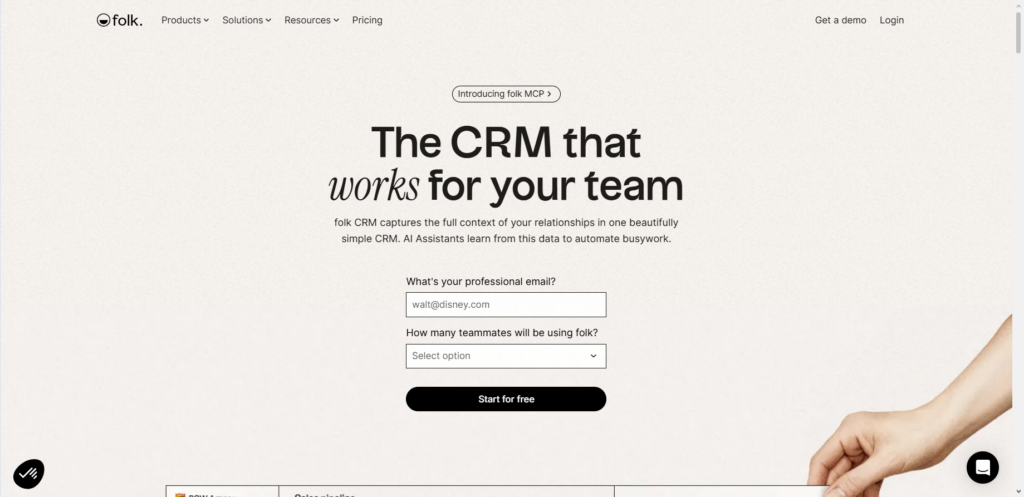
Folk is a clean, modern CRM that focuses on relationship management. It is designed to look and feel like a collaborative workspace rather than a dense database.
With folk, you can sync your Gmail and Google Calendar to build a unified contact list. The tool allows you to easily categorize your contacts, enrich their details with artificial intelligence, and send highly personalized group emails. Folk keeps your email history tied to contact records automatically, making it easy to see who on your team spoke to a client last.
- Best For: Startups and creators who need a simple, aesthetic contact management hub with fast onboarding.
- Key Features: Contact enrichment, clean collaborative pipelines, simple group email sequences, and automatic timeline sync.
- Pricing: Standard plan begins at $17.50 per user per month.
5. Salesflare
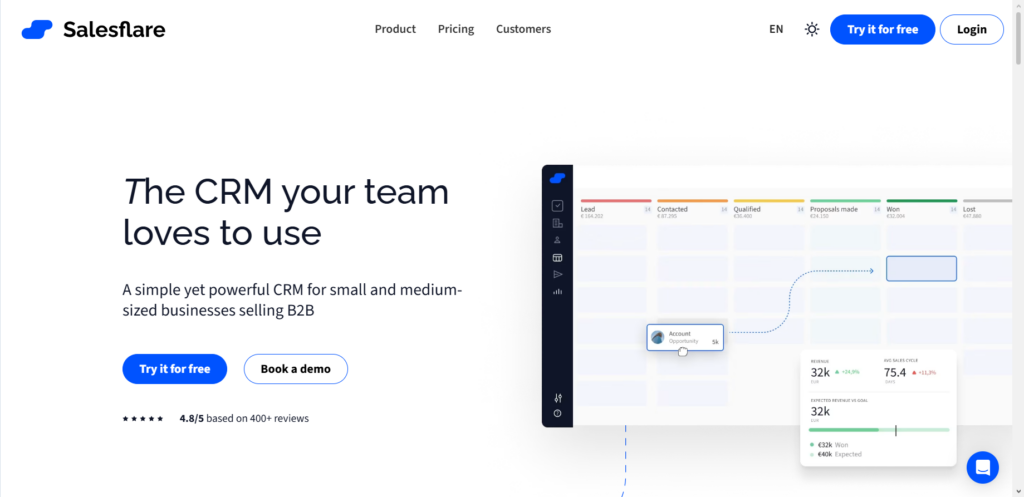
Salesflare is a highly automated B2B sales CRM that integrates deeply with Gmail. It is built for small and medium-sized businesses that want to keep track of clients without spending hours typing notes and updating records.
The moment you connect Salesflare to Gmail, it automatically populates your contact profiles by pulling details from email signatures and public social profiles. It also tracks when your prospects visit your website, giving you great insights into their interest levels before you write your next message.
- Best For: B2B companies and digital marketing agencies who want hands-free, automatic data collection.
- Key Features: Automated contact and signature capture, real-time website tracking, email open notifications, and smart follow-up reminders.
- Pricing: Plans start at $29 per user per month.
6. NetHunt CRM
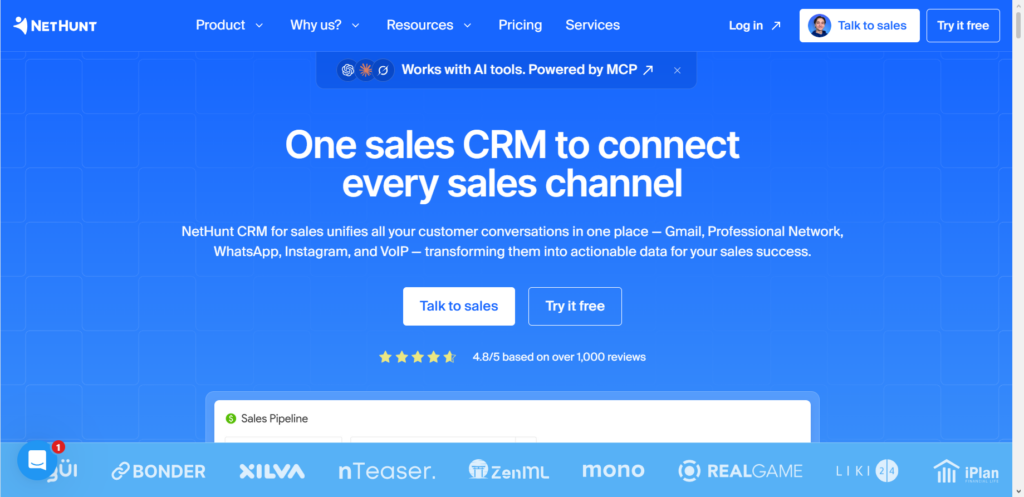
NetHunt CRM is another tool that embeds itself completely inside your Gmail screen. It bridges the gap between simple email management and full-scale marketing automation.
NetHunt allows you to organize leads, group them based on interest levels, and trigger automated workflows directly from your inbox. For instance, you can set a rule that automatically moves a contact to the next stage of your pipeline as soon as they reply to an email.

Take Your Emails to the Next Level
MailDrip helps you automate your outreach, nurture leads, and grow your brand with ease. Send the right message at the right time—without the stress.
Sign Up FreeNo Card Required
- Best For: Teams that want structured pipelines and simple automation workflows right inside Gmail.
- Key Features: Custom pipelines within Gmail, automated pipeline triggers, bulk email campaigns, and task management.
- Pricing: Offers a 14-day free trial, with paid plans starting at around $24 per user per month.
7. HubSpot CRM (Sales Hub)
HubSpot is famous for its large marketing and sales platform, but its free CRM and Gmail integration is an excellent starting point for growing brands.
The HubSpot Gmail extension adds a handy sidebar to your inbox. Whenever you receive or write an email, you can view the contact’s records, see historical notes, and log the interaction directly to your HubSpot portal. You can also use saved text templates to write faster and insert scheduling links to book meetings quickly.
- Best For: Marketers who want a free tool to start with and need a system that can scale into a massive sales platform later.
- Key Features: Gmail sidebar integration, free contact tracking, email templates, and simple calendar scheduling.
- Pricing: The basic CRM integration is free, but advanced automation and marketing features require moving to paid tiers starting at $15 per seat per month.
8. GMass
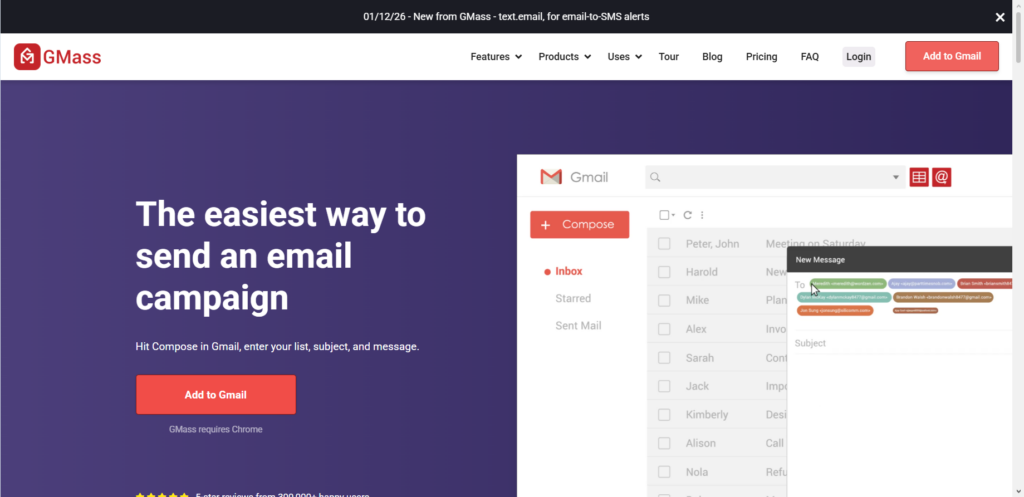
If your primary goal is to turn Gmail into a bulk marketing tool, GMass is a popular option. It is a Chrome extension that turns your standard Gmail composition box into a mass mail merge engine.
With GMass, you can write an email, select a list of contacts from a Google Sheet, and send personalized messages to hundreds of people at once. It also includes simple tracking tools and automated follow-up steps, helping you keep track of who opened your messages and who needs a gentle reminder.
- Best For: Solo marketers who prefer the standard Gmail interface and only need straightforward mass mailing capabilities.
- Key Features: Inside-Gmail mass mail merge, automatic follow-ups, simple list segmentation, and basic performance tracking.
- Pricing: Individual plans start around $25 per month.
9. Mixmax
Mixmax is an interactive email assistant designed to make your outreach emails more engaging. It enhances the standard Gmail compose window with several advanced features.
Mixmax lets you embed interactive elements like quick polls, Q&A surveys, and calendar scheduling widgets directly inside your emails. This makes it incredibly easy for your recipients to take action. Additionally, Mixmax offers robust email tracking and sequences, making it easy to nurture leads over time.
- Best For: Digital marketers and sales representatives who want highly interactive emails and meeting-scheduling tools.
- Key Features: Interactive polls, in-email calendar scheduling, multi-step sequences, and tracking alerts.
- Pricing: Paid plans start at $29 per user per month.
10. Right Inbox

Right Inbox is a lightweight productivity extension for Gmail that adds basic CRM and marketing tracking capabilities to your native inbox.
Right Inbox focuses on making your daily communication more efficient. It allows you to schedule emails to send at the perfect time, set follow-up reminders so you never forget a client, and create simple recurring email sequences. It is a great, distraction-free option if you do not want the bulk of a heavy CRM but still need basic tracking.
- Best For: Solo creators and professionals who want a simple, budget-friendly way to track emails and set reminders.
- Key Features: Send later scheduling, automatic recurring emails, link tracking, and follow-up reminders.
- Pricing: Offers a limited free plan, with paid plans starting at $7.95 per month.
Gmail CRM Comparison Table
To help you choose the best option for your business, here is a simple breakdown of how these tools compare:
| Tool Name | Best For | Main Advantage | Direct Gmail Integration? |
| MailDrip | Creators, Marketers & Solopreneurs | Direct Gmail connection, stress-free drip campaigns, built-in landing pages, no-bloat pricing | Yes (Direct connection, safe & seamless) |
| Streak CRM | Solo users | Lives entirely inside Gmail with visual pipelines | Yes (Embedded) |
| Copper CRM | Google Workspace users | Zero-entry data logging and automatic contact creation | Yes (Sidebar) |
| folk CRM | Startups & small teams | Clean aesthetic and AI contact enrichment | Yes (Sync) |
| Salesflare | B2B sales tracking | Automatically pulls data from email signatures | Yes (Sidebar) |
| NetHunt CRM | Team workflows | Automated pipeline movement from email replies | Yes (Embedded) |
| HubSpot CRM | Scaling businesses | Large ecosystem with a free starting option | Yes (Sidebar) |
| GMass | Heavy mass mailers | Sends mass campaigns directly from Gmail compose window | Yes (Embedded) |
| Mixmax | Interactive outreach | Embedded calendar links and interactive polls | Yes (Embedded) |
| Right Inbox | Solo creators | Budget-friendly email tracking and reminders | Yes (Add-on) |
Why MailDrip is the Simplest Way to Nurture Your Leads
When you are running a personal brand, a coaching business, or a digital marketing agency, you do not have time to struggle with technical friction. You should not have to figure out complex APIs or hire developers just to send a basic email sequence.
This is exactly why we created MailDrip. We believe that email marketing should help you grow your business, not get in your way.
By connecting your existing Gmail account directly to MailDrip, you get the best of both worlds:
- The high deliverability and familiarity of Gmail.
- The powerful automated email workflows of a dedicated marketing CRM.
You get simple, gorgeous templates, automated drip sequences that nurture your leads completely on autopilot, and helpful tracking metrics so you can watch your brand grow. If you do not have a website yet, our built-in opt-in forms and landing pages mean you can launch a product or service today. It is clean, distraction-free, and designed for real people.
If you are curious about our features and how we keep things simple, explore our features page to see how MailDrip can work for you.
Frequently Asked Questions (FAQs)
Is it safe to use my personal Gmail account for email marketing?
Yes, but you must be careful not to spam. When you use a personal Gmail account, Google allows a daily sending limit of 500 emails. Using a business Google Workspace account upgrades this limit to 2,000 emails per day. MailDrip connects safely and seamlessly with your Gmail account to manage these limits properly, ensuring your account remains in good standing.
What is the difference between an email campaign and a newsletter?
An email campaign is usually a targeted series of emails sent to achieve a specific goal, like launching a product or onboarding a client. A newsletter is a regular, recurring email that updates your audience on general news and thoughts. If you want to know more about how they differ, read our guide on the difference between an email campaign and a newsletter.
Do I need to build a website to collect email leads?
No, you do not. While some CRMs require you to paste complex tracking codes on an existing website, MailDrip provides ready-to-use landing pages and opt-in forms out of the box. You can share these landing pages on your social profiles to build your list with zero coding or web development experience.
What is a drip campaign, and why does it matter?
A drip campaign is a series of automated emails sent to people who take a specific action, such as signing up for your list or downloading a free guide. These emails are spaced out over days or weeks to slowly introduce your brand, build trust, and eventually make an offer. It works entirely on autopilot, allowing you to generate revenue without lifting a finger.
Conclusion
Managing your relationships does not require heavy, confusing systems that drain your energy and your budget. By choosing the right tool, you can transform Gmail into a simple, highly effective marketing CRM that helps you focus on what really matters: writing great messages and connecting with your audience.
If you are tired of struggling with bloated marketing systems and want a simple, clean, and friendly solution that actually works, why not give MailDrip a try? You can start with our free plan or explore our Pay As You Go options to find what works best for your personal brand.
Ready to simplify your email marketing and start growing your business with zero stress? Visit our signup page to get started today.
Which of these tools fits best into your current business setup, and how will simplifying your email pipeline change your daily work?
